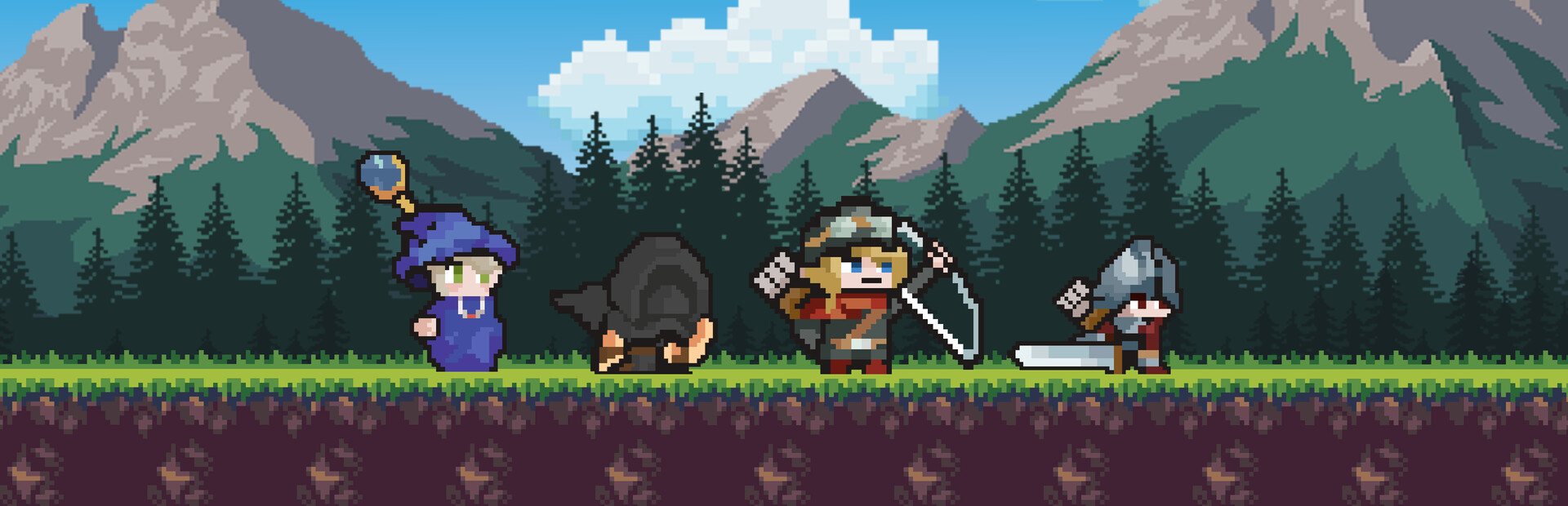
If you’ve ever dreamed of fighting monsters between meetings, Desktop Heroes is the perfect companion. This charming idle RPG sits quietly at the bottom of your screen — right above your taskbar — turning your workspace into a fantasy battlefield.
While you work, your team of heroes fights epic battles, earns loot, and grows stronger — all without interrupting your productivity. Whether you’re coding, designing, or answering emails, your adventure continues in real time.
Why You’ll Love Desktop Heroes
Desktop Heroes blends casual idle gaming with productivity-friendly design:
Four Classic Heroes: Lead a balanced squad — Wizard, Warrior, Hunter, and Assassin — each with unique abilities.
Idle Rewards: Earn progress even when you’re busy. Step in anytime to upgrade your team or claim treasure.
Distraction-Free Gameplay: No pop-ups, no loud effects — just calm, pixel-perfect progress.
Endless Exploration: Unlock new worlds, fight bosses, and discover secrets while working.
Smart Screen Integration: Features like Protect Mode hide your game during screen sharing, while Virtual Mode lets you click and read text behind the game window effortlessly.
Desktop Heroes redefines what “idle RPG” means — it’s designed to fit your workflow.
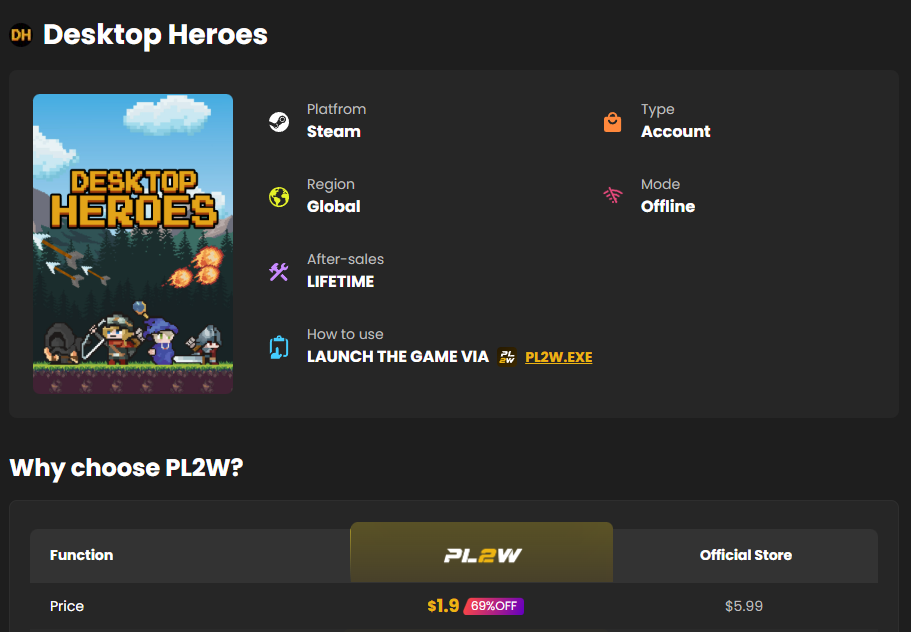
How to Buy Desktop Heroes on PL2W
Purchasing Desktop Heroes on PL2W is fast, secure, and simple:
Step-by-Step Guide
Visit the PL2W Store
Go to pl2w.com and search for “Desktop Heroes.”Select Your Platform
Choose the version compatible with your device (usually Steam PC version).Choose Your Payment Method
PL2W supports global payment options — including PayPal, credit card, Google Pay, and regional payment gateways.Confirm Your Purchase
Double-check your order details, then click “Buy Now.”Receive Your Game Code
After payment, your Desktop Heroes game code will appear instantly on your PL2W account page and will also be sent to your email.Redeem and Play
Open Steam, click Games → Activate a Product on Steam, then paste your PL2W code to start your adventure!
Tip: Always log in to your PL2W account before checkout so your game keys are safely stored and retrievable anytime.
FAQ – Buy Desktop Heroes (PL2W Guide)
Q1: Is Desktop Heroes available worldwide?
Yes, Desktop Heroes is available globally. PL2W provides region-free Steam keys for most countries.
Q2: Can I play Desktop Heroes while working?
Absolutely! The game is designed to run quietly above your taskbar, with Protect Mode ensuring your coworkers won’t see it during screen sharing.
Q3: What makes PL2W the best place to buy Desktop Heroes?
PL2W offers instant delivery, secure checkout, 24/7 support, and exclusive discounts on new releases.
Q4: How do I redeem my Desktop Heroes Steam key?
Open Steam → Click Games → Activate a Product → Enter your PL2W code → Start playing.
Q5: What should I do if my code doesn’t work?
Contact PL2W Customer Support through live chat or email [email protected] — they’ll assist you immediately.
Q6: Can I get a refund?
Refunds depend on your region and the game publisher’s policy. PL2W support will review requests on a case-by-case basis.